
A connector for Claude, ChatGPT, Cursor and VS Code
Market jargon, explained inside your AI assistant.
Add ATLAS Explain to your AI assistant and ask about any market term, asset or move. It answers in plain language, with official figures, prices and charts, and names the source and time of every number. Free, read-only, no account.
Educational information, not investment advice. It never tells anyone to trade.
How it works
- 1
Add one address
Paste the ATLAS Explain address into your assistant's connector settings. No account, no key, nothing to install.
- 2
Ask as you normally would
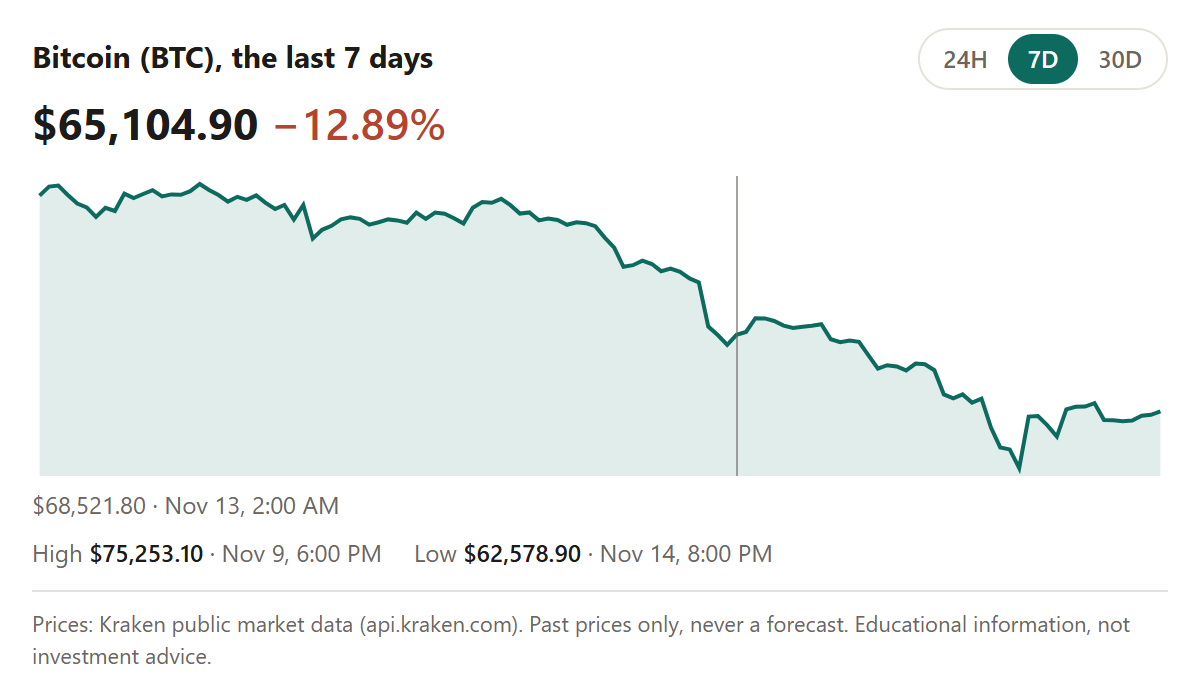
"What is a stop-limit order?" "How did Bitcoin move this week?" "What are Apple's latest filed figures?"
- 3
Get sourced answers
Plain-language terms, official figures from government and regulator sources, crypto prices and charts, and today's headlines, each with its source and time.
Built to be trusted
- Education only. No predictions. It explains and shows sources. It never recommends a trade or says where a price is going.
- No made-up numbers. Missing data stays missing, with the reason. Every figure names its source and time.
- Never your accounts. It never reads balances, account numbers, positions or other pages.
- Read-only and private. The connector only receives what your assistant asks it, changes nothing and stores none of it.
Or use the web app
Prefer not to use an assistant? Type or paste any term or sentence into the web app. In desktop Chrome, Gemini Nano answers on your device first; otherwise Gemini answers in the cloud. Every answer says which one ran.
Signing in is optional; it keeps your saved explanations across devices.
- What you typeOnly the text you ask about. Nothing else.
- Gemini Nano, on this deviceTried first in desktop Chrome.
- Gemini in the cloud, if neededOnly when your device can't answer, and labelled "Cloud".